.png)
Read time: 14 minutes
The context
As a business owner, choosing where to build your website is one of those decisions that keeps you up at night. Get it right, and you've got a solid foundation for years to come. Get it wrong, and you're looking at a painful (and expensive) migration down the line.
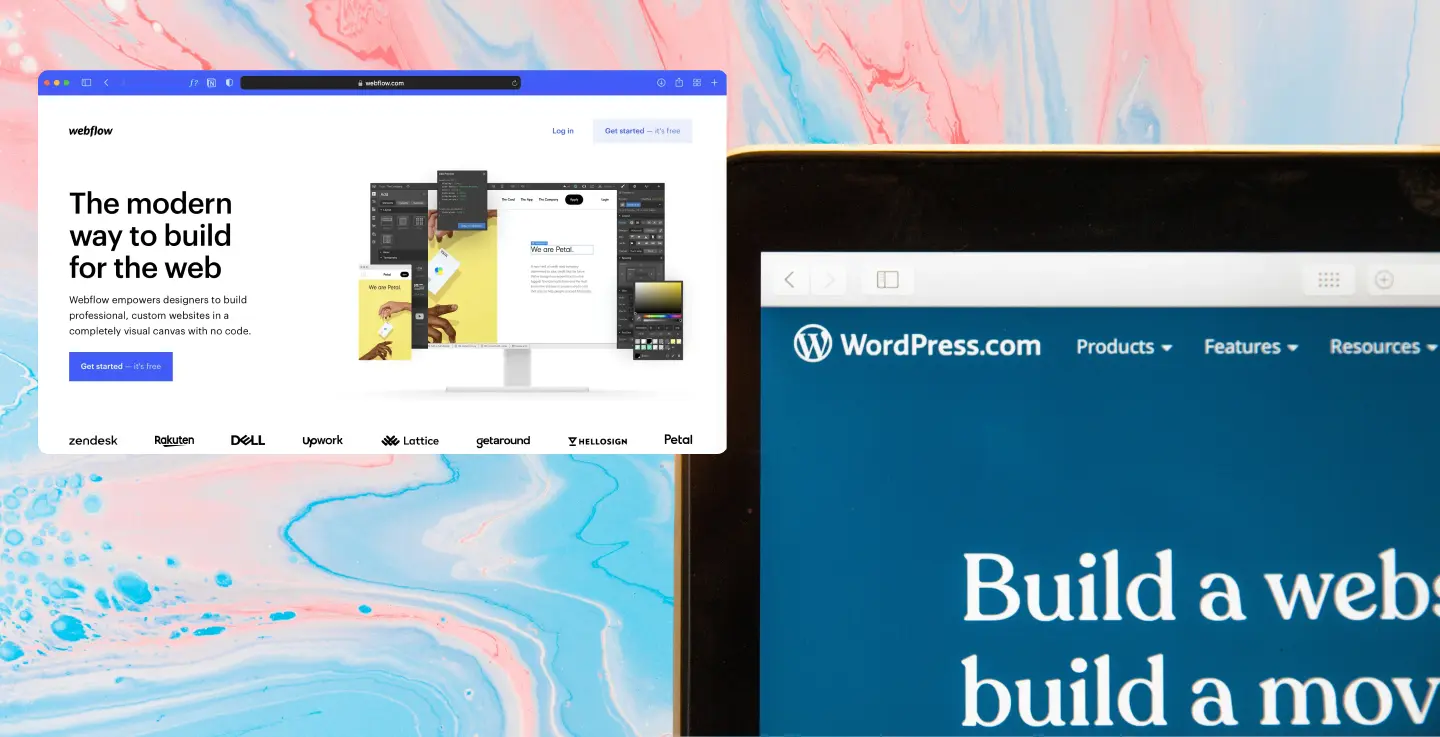
Here, we're comparing two heavy hitters: Webflow and WordPress. In the red corner, you've got Webflow, the sleek ‘newcomer’ launched in 2013 that's won over designers and fast-moving teams. And in the blue corner, there's WordPress, the open-source veteran that started as a humble blogging tool in 2003 and now powers over 43% of all websites.
Both can deliver brilliant results, but they take completely different approaches to getting there. We’ll walk through the pros and cons of each, what they cost, and what to think about when making your choice. We'll also cover how to handle a migration if you're switching platforms, and how working with 383 can make the whole process smoother.
What are Webflow and WordPress?
Webflow is an all-in-one, cloud-based website builder that lives entirely in your browser. Think of it as a visual development platform; you design your site by dragging and dropping elements, and Webflow writes the code for you behind the scenes. It includes hosting, security, and a CMS for dynamic content, all wrapped up in one package.
Why does it appeal? You can build pixel-perfect, professional websites without touching a line of code. It's part of the "no-code" movement that's democratising web design. You can add custom code when you need to, but the whole point is that you often don't have to.
But what’s the catch? Webflow is a closed ecosystem. Your site lives on their platform (which runs on AWS), and while you can export static HTML and CSS files, you lose all the CMS functionality if you host it elsewhere. You're committed to the platform.
WordPress is a completely different beast. It's self-hosted, open-source software that you install on your own web hosting. What started as a blogging system has evolved into an incredibly flexible web platform over nearly two decades.
WordPress’ philosophy is simple: give you a customisable foundation and let you build whatever you want on top of it. With over 60,000 plugins and countless themes available, there's virtually nothing you can't do. This extreme flexibility is exactly why WordPress dominates the web.
But that freedom comes with responsibility. You're in charge of hosting, updates, security, and figuring out the right mix of plugins to achieve your goals. It's more hands-on, but in return, you get complete control over your data and the freedom to modify anything you like.
In a nutshell: Webflow gives you an all-in-one, no-code solution with everything tightly integrated. WordPress gives you an open-source toolkit that you can expand infinitely with code and plugins. Both approaches have their place.
Webflow: The good, the bad, and the trade-offs
What Webflow does really well
It's designer-friendly
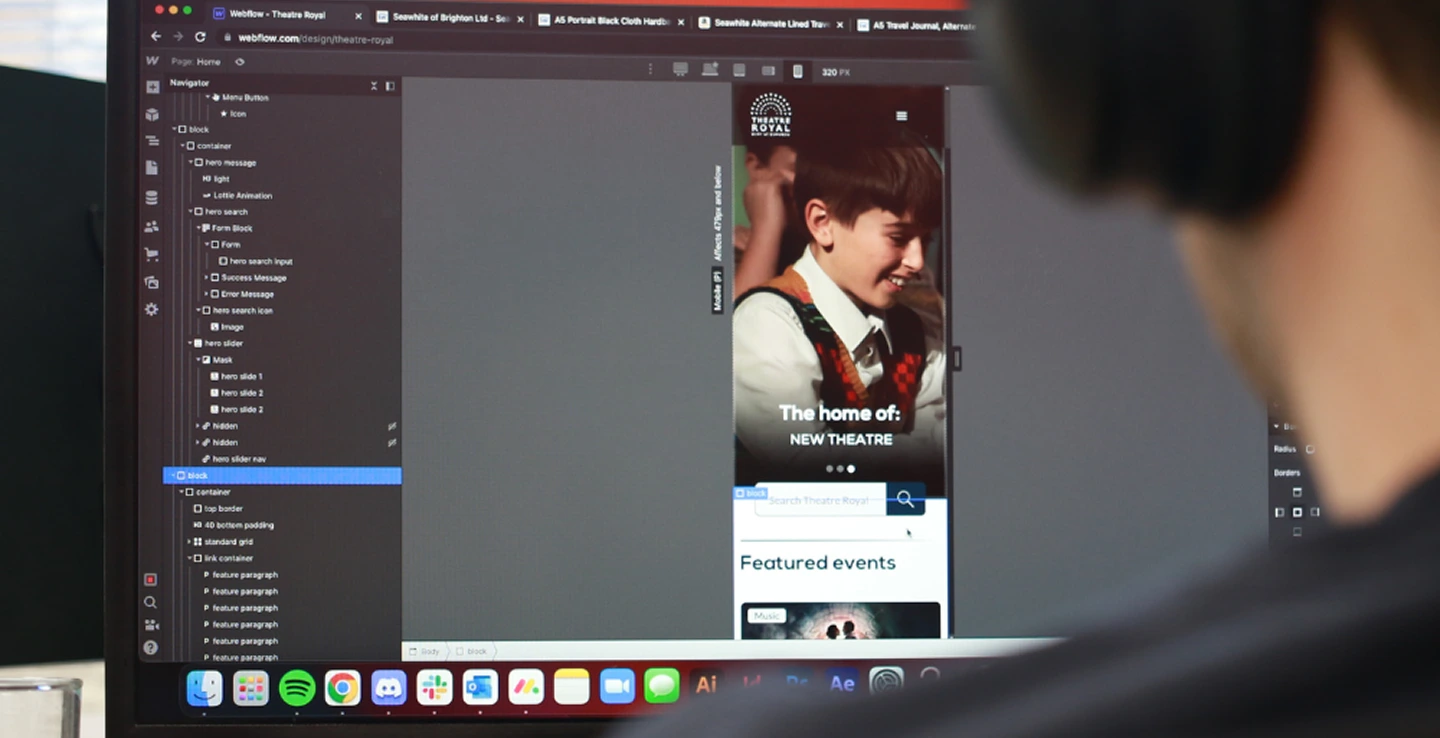
Webflow's visual editor is a dream for designers. You drag elements, style them, and see exactly what you're building in real-time. No context-switching between code and preview, lowering the barrier to entry. And, you don't need to be a developer to create professional, responsive websites.
Even developers often love working with Webflow because it's just faster. Why hand-code for days when you can achieve the same result in hours? The platform translates your design moves into production-ready HTML, CSS, and JavaScript automatically.
Everything's included, minimal fuss
Here's what you get out of the box: managed hosting, security, automatic updates, SSL certificates, and a global CDN. You don't need to configure servers, apply patches, or worry about your site being hacked at 3 am on a Sunday.
For small teams without dedicated developers, this is huge. You get peace of mind knowing the infrastructure is handled by Webflow's team, not yours.
Speed and security by default
Webflow sites are generally fast. The platform generates efficient code and serves it via robust infrastructure. Security is baked in too; every site gets HTTPS automatically, and the closed architecture means far fewer vulnerabilities compared to systems with lots of third-party extensions.
Webflow reports SOC 2 Type II compliance and maintains ISO certifications via its Trust Centre, and because of its closed ecosystem and lack of third-party plugins, there are fewer common attack surfaces compared to self-managed platforms. You don't need to be a security expert to run a secure site.
Built for collaboration
Webflow was designed with modern teams in mind. It supports guest access and commenter-style roles, allowing external collaborators or stakeholders to review and provide feedback without full editing access. You can also add unlimited "commenter" seats for stakeholders who need to provide feedback without the risk of breaking anything.
This makes iteration smooth and safe. WordPress can support collaboration workflows through plugins and editorial tooling, but it’s just not native or as smooth out of the box.
Transparent pricing
It’s straightforward and mostly all-inclusive. Webflow uses site-based subscriptions, with paid plans starting at $14/month for Basic sites, $23/month for CMS sites, and $39/month for Business sites when billed annually. Pricing varies by plan type and billing cadence, but hosting, SSL, and core platform features are bundled into the cost.
Webflow’s e-commerce plans sit at a higher price point, starting at $29/month for smaller stores and scaling to $74/month and $212/month for larger, more complex e-commerce operations when billed annually. While these aren't cheap, they bundle hosting, security, updates, and features into one predictable invoice. No surprise expenses from needing to buy separate plugins or pay for CDN services.
Where Webflow Falls Short
You're locked in
The biggest drawback is that Webflow is a proprietary, closed system. Your site must live in their environment to use dynamic features. The only export option is static code, which means you lose all CMS functionality if you ever leave.
You can't simply pick up your Webflow site and host it elsewhere. You're dependent on Webflow as a vendor, which means less control over server setups and special configurations. If Webflow changes its terms or doesn't support a feature you need, your options are limited.
The plugin ecosystem is significantly smaller
Webflow provides many features natively, which is great. But it lacks the vast third-party ecosystem that WordPress enjoys. Webflow recently launched an App Marketplace, but it offers hundreds of integrations (and it’s a growing marketplace that is evolving quickly), compared to WordPress's tens of thousands of plugins.
With WordPress, there's literally a plugin for everything. With Webflow, if a feature isn't built in, you might need to write custom code or embed third-party scripts manually. Complex requirements like advanced filters, sophisticated user accounts, or proper multi-language sites often require workarounds. However, native localisation features are available in higher-tier plans.
Not ideal for content-heavy sites
While Webflow does have a CMS, it's not as mature as WordPress for serious blogging or content operations. There's no native comments system and limited author features (you can't easily have multiple authors with bios).
WordPress was born as a blogging platform, so it's exceptional at managing content: comments, tags, categories, archive pages; it's all there by default. If your strategy relies heavily on content marketing or managing lots of articles, Webflow's CMS can feel limiting. Some companies using Webflow host their blogs separately because of these limitations.
Can get expensive at scale
Webflow's simple pricing becomes more complicated when you scale. High-tier plans and e-commerce features carry higher monthly fees (up to $212/month for advanced stores). Plus, you pay for additional users beyond the couple of free seats.
Webflow also charges for additional workspace seats depending on how many people need access. Designer and editor seats are priced per user and billed separately from site plans, which means costs can increase for larger teams or organisations with many contributors.
The convenience comes at a price, and for large, complex sites with big teams, that price can exceed what you'd pay with WordPress.
Limited for large content teams
Webflow isn't built for dozens of concurrent contributors or elaborate publishing workflows. User roles are limited, and you're paying per workspace seat.
WordPress excels here. You can have unlimited authors, editors, and admins working simultaneously, with fine-grained roles and workflow plugins if needed. Webflow is optimised for small teams with a few designers managing the site, not large editorial operations.
WordPress: The Swiss Army knife of the web
Why WordPress dominates
Unlimited flexibility
AKA WordPress's superpower. It's open-source software that developers can shape into almost anything. With over 60,000 plugins and thousands of themes available, you can start simple and expand infinitely.
Need e-commerce? Install WooCommerce. Want memberships? There's a plugin. Multi-language site? Advanced SEO? Analytics? It's all there. And if a plugin doesn't exist, developers can build custom solutions.
WordPress can be a simple blog or a complex web application. The limit is the creativity and skill of whoever's building it.
An enormous community
WordPress has a massive global community of users, developers, and agencies. This means:
- Abundant resources: Documentation, tutorials, forums, blogs; any question you have has probably been answered somewhere
- Continuous improvement: Thousands of contributors keep WordPress evolving and innovating
- Plenty of help: With 40%+ of the web using WordPress, there's a huge pool of talent available
While WordPress itself doesn't have official support (no company "owns" it), the community fills that gap. There are also specialist agencies and hosting providers offering expert WordPress support.
Best-in-class content management
WordPress began as a blogging platform, and those roots still shine. For content-heavy sites, news, blogs and resource hubs, WordPress is exceptional.
The block editor makes writing and formatting posts straightforward. You can organise content with categories, tags and custom taxonomies; enable comments and social sharing; schedule posts; and use plugins for SEO metadata. Content creators often find WordPress more intuitive than Webflow's CMS.
If you're building a content hub or blog that updates frequently, WordPress provides the tools to do it effectively right out of the box.
Scales from tiny to enterprise
WordPress can handle anything from a personal blog to enterprise operations. You can run it on traditional hosting, deploy it in the cloud with multi-server setups, or use it headlessly (just as a content database with a custom front-end).
Large e-commerce sites with thousands of products? Check. Multi-site networks? Yep. Multi-language sites? Absolutely. High-traffic publishing platforms? Done all the time.
You have complete control over the software and hosting. With the right expertise, you can optimise performance with caching, CDNs, and database replicas. For complex use cases where Webflow hits its limits, WordPress can keep going.
Low cost to start
WordPress itself is free. You can download and use it without any license fees. A basic site can be incredibly budget-friendly: cheap shared hosting runs £2-£10 per month, domains cost around £10/year, and there are thousands of free themes and plugins.
You have flexibility in how you scale costs. Choose hosting that fits your budget, and pay for premium features only when you need them. Studies have shown WordPress can have a lower total cost of ownership; one analysis found it often had a lower overall cost of ownership in practice, depending on scale and complexity, than comparable site builders when factoring in scaling and features.
Plus, you truly own your content and code. No vendor lock-in, complete control, and the freedom to migrate anywhere.
Where WordPress Gets Tricky
You're responsible for maintenance
WordPress's freedom comes with ongoing work. You need to install updates for WordPress core, your theme, and plugins regularly. You need to manage backups, keep your server current, and optimise performance as you grow.
If something breaks after an update (plugin conflicts do happen), you have to troubleshoot it or hire someone. This maintenance overhead doesn't exist with managed platforms like Webflow.
You can mitigate this with managed WordPress hosting or maintenance services, but those add cost. Without technical expertise in-house or via a consultant, things like security hardening and plugin management can become headaches.
Steeper learning curve
Compared to modern site builders, WordPress has a learning curve. Out of the box, it's not a visual design tool; it's a CMS that might require choosing a theme and possibly touching some code to get exactly what you want.
While the block editor has improved things, achieving custom designs often means installing a page builder plugin (Elementor, Beaver Builder, etc.) or writing CSS/PHP. Non-technical users can manage a pre-built template, but the interface is less visual than Webflow's and more fragmented.
Designers who want pixel-perfect control might feel frustrated unless they invest time mastering WordPress or use additional tools. It's not truly no-code; it's low-code at best.
Plugin bloat is real
The flip side of WordPress's rich plugin ecosystem? It's easy to install too many plugins, which can slow your site or create conflicts.
Plugin quality varies wildly; anyone can create one. Some are poorly coded or insecure. Too many extensions or a bloated theme leads to performance issues and maintenance headaches.
In Webflow, everything is integrated and tested by one company. In WordPress, you're assembling pieces from many sources. Troubleshooting a site with 20 plugins when something breaks can be frustrating.
You need to be selective about what you install and plan for optimisation. With proper practices, WordPress sites run fast, but it requires knowledge.
Costs can surprise you
While a basic WordPress site is cheap, complex sites can accumulate unexpected costs. Premium themes or plugins often cost £30-£150 each. Top SEO plugins, security tools and visual builders; they all have paid versions with features you might need.
As your site grows, you might need to upgrade hosting from £10/month to £50 or much more. Many businesses also budget for developer help, either upfront or via a consultant.
Total cost of ownership varies wildly. One site might cost £50/year, another might effectively run into the thousands in hosting and development. This makes budgeting harder than with fixed-price platforms.
Security requires vigilance
Because WordPress is so popular, it's a frequent target for hackers. Common threats include outdated plugins being exploited, brute-force login attacks, and malware.
To be clear: WordPress can be very secure. Major enterprises and governments run it. But it requires ongoing attention: regular updates, security plugins, maybe a web application firewall.
A significant portion of WordPress security incidents trace back to user error or neglect (like not updating a vulnerable plugin). With WordPress, you should assume you'll need to spend effort on security hardening and monitoring.
The community responds quickly to issues, and vulnerabilities are often patched almost immediately, but you have to apply those patches. For some, this trade-off is worth it for the flexibility. For others, Webflow's zero-maintenance approach is much more appealing.
What are the costs?
Comparing Webflow and WordPress pricing directly is tricky because they work differently, but here's our attempt at a practical breakdown:
Webflow Pricing
Webflow uses site-based subscriptions, with pricing that varies by plan type, billing cadence, and whether you need CMS, e-commerce, or additional workspace seats:
- Paid site plans start at $14/month (Basic), $23/month (CMS), and $39/month (Business) when billed annually.
- Dedicated e-commerce plans start at $29/month and scale to $74/month and $212/month for larger, more complex online stores.
- Workspace seats for designers and editors are priced per user and billed separately from site plans, meaning costs can increase for larger teams.
This includes hosting, SSL, and full platform access. It's a predictable ongoing cost, often higher than basic WordPress hosting, but bundling most services together.
WordPress Pricing
WordPress software is free, so costs come from:
- Hosting: £3-£5/month for small sites on shared hosting, £20-£50+ for managed WordPress hosting
- Domain: ~£10/year
- Themes/Plugins: Many are free; premium options range £20-£100+ (often yearly licenses)
- Development: Variable… could be hourly rates or project fees if you need custom work, or have maintenance contracts with agencies or consultancies
You can start cheap and scale up as needed. The upside is flexibility; the downside is variable costs. Sometimes you'll need to buy a plugin unexpectedly or hire someone to fix an issue.
Remember: your time (or your team's time) managing the site is a cost too. Sometimes, a more out-of-the-box solution saves enough effort to justify higher fees.
Migrating between platforms
If you're considering moving from one platform to the other, here's how to do it without losing data, SEO rankings, or your sanity:
Before You Start
Back up everything ruthlessly
Take a complete backup of your existing site. WordPress? Export files and the MySQL database using a backup plugin. Webflow? Export what you can (static files) and manually copy CMS content.
Gather all access credentials: CMS logins, domain registrar, hosting, everything. You need a safety net in case things go sideways.
Audit your SEO and URLs
Do a thorough audit of your current URL structure and SEO elements. Note down key URLs, page titles, meta descriptions, and high-value content.
Your goal is to maintain URL consistency where possible or set up proper 301 redirects. If page URLs change (even slightly), you need redirects to preserve search rankings and avoid 404 errors.
For example, if blog posts move from /blog/post-name to /posts/post-name, set up redirects. This preserves your hard-earned SEO equity.
After migration, update your XML sitemap and notify Google Search Console about the change.
During Migration
Handle content carefully
Moving content between platforms isn't plug-and-play:
- WordPress to Webflow: Use Webflow's CSV import for blog posts, but you'll need to redesign pages in Webflow's editor (it can't run WordPress themes)
- Webflow to WordPress: Choose a WordPress theme or builder that achieves a similar design, then import content (expect manual effort)
Set up a staging site first; a temporary private version where you can build and test everything before going live. Do a side-by-side comparison to ensure nothing's missing.
Test exhaustively
Once the new site is built, test everything:
- Check all major pages.
- Click through important links.
- Test forms and interactive features.
- Verify e-commerce functionality if applicable.
- Check that SSL certificates work properly.
Small things break easily in migrations, e.g. a contact form might point to the wrong email, an embedded script might not copy over. Don't rush this step.

Going Live
Time it right
Pick a low-traffic time (late night or weekend) to make the switch. This usually means updating your domain's DNS to point to the new host.
DNS changes can take hours to propagate, so keep the old site running until traffic flows to the new one. There will be a brief period where some users hit the old site and some hit the new.
Monitor closely
Once live, watch your site like a hawk:
- Check Google Analytics for traffic patterns.
- Monitor Search Console for errors.
- Be ready to address issues quickly.
- Keep the old site backup accessible just in case.
With careful planning, you can migrate with minimal fuss and negligible SEO impact.
And please, only cancel old hosting after you've confirmed everything works on the new site.
How 383 can help
Choosing the right platform and executing a smooth migration is challenging. This is where working with a digital product and experience consultancy (like 383) can save you time, money, and headaches.
We have hands-on experience with both Webflow and WordPress, which means we can give you unbiased advice based on your needs, not what we happen to specialise in. If you need a quick-turnaround marketing site with custom design and no internal developers, we might recommend Webflow. If you need a highly customised system with complex integrations, we'll likely lean toward WordPress (or even a hybrid approach).
Migration Expertise
We've handled countless website migrations without losing data or SEO rankings (including our own). We follow meticulous processes: auditing your current site, setting up redirects, testing thoroughly, and monitoring post-launch.
Migrations are also opportunities to improve your site: cleaning up outdated plugins, improving page speed and refining information architecture. We make sure you're not just moving sideways, but upgrading.
Long-term Partnership
Beyond migrations, we help you maximise whichever platform you choose:
- For Webflow: Designing conversion-optimised sites that your marketers can easily update, providing training and structuring the CMS to match your workflows
- For WordPress: Developing scalable architectures, creating custom plugins, setting up managed hosting, implementing security monitoring and maintenance routines
The goal is to leverage our expertise so you get the benefits (Webflow's agility or WordPress's power) without the usual pitfalls.
Which one should you choose?
There’s no definitive ‘this one over that one’. Neither platform is objectively better. They're better for different situations.
Choose Webflow if:
- You want to move fast with a design-focused team
- You don't have dedicated developers in-house
- You're building a marketing site, portfolio, or small-scale project
- You value convenience and minimal maintenance
- The built-in features cover all your needs
- You're willing to pay for an all-in-one solution
Choose WordPress if:
- You need ultimate flexibility and scalability
- Your site is content-heavy or expected to grow complex
- You require custom functionality or specific integrations
- You have technical expertise in-house or a budget for it
- You want complete control over your data and hosting
- You're building something that might evolve in unpredictable ways
In many cases, the decision comes down to your team's composition and long-term strategy. Do you have developers? What's your maintenance budget? How important is empowering non-technical editors versus having complete customisation?
Remember, the choice isn't permanent. Sites can migrate (with effort), so you're not stuck forever. But it's definitely best to start on the right footing.
If you're still unsure, talk to professionals who know both platforms well. Getting tailored advice can save you from costly trial and error.
Both Webflow and WordPress are excellent tools. The key is understanding the trade-offs and turning them into strategic advantages for your specific situation. Choose the platform that aligns with your goals, capabilities, and where you want to be in three years – not just where you are today.
FAQs
Q: Is Webflow better than WordPress?
A: Neither platform is objectively better. Webflow is often a better fit for design-led, low-maintenance marketing sites, while WordPress suits content-heavy or highly customised websites that need flexibility and long-term scalability. The right choice depends on your team, budget, and how you expect the site to evolve.
Q: Is WordPress still a good choice in 2026?
A: Yes. WordPress remains one of the most capable and widely used website platforms in the world. It continues to power content-heavy sites, complex integrations, and large-scale platforms. The trade-off is that it requires more active management compared to all-in-one platforms like Webflow.
Q: Can you migrate from WordPress to Webflow?
A: Yes, but it’s not a one-click process. Content can be exported and imported, but layouts need to be rebuilt in Webflow’s editor. Careful planning is required to preserve SEO, URLs, and functionality, particularly for blogs, forms, and dynamic content.
Q: Can you migrate from Webflow to WordPress?
A: Yes, although CMS features can’t be exported directly. Static pages can be exported, but dynamic content usually needs to be recreated in WordPress. Most migrations involve redesigning the front end and carefully transferring content and SEO data.
Q: Which platform is better for SEO?
A: Both Webflow and WordPress can perform extremely well for SEO. Webflow offers strong technical SEO out of the box, while WordPress provides greater flexibility through plugins and custom configurations. SEO success depends more on content quality, structure, and ongoing management than on the platform itself.
Q: Is Webflow more secure than WordPress?
A: Webflow handles security, hosting, and updates for you, which can reduce the risk for smaller teams. WordPress can be just as secure, but only if it’s properly maintained with regular updates, secure hosting, and good plugin hygiene. Security issues usually come from neglect rather than the platform itself.
Q: Which platform is cheaper in the long run?
A: It depends on scale and complexity. Webflow has predictable monthly costs but can become expensive for large teams or e-commerce sites. WordPress can start cheaper but may incur higher costs over time through hosting upgrades, plugins, maintenance, and developer support.
Q: How do I choose the right platform for my business?
A: Start with your constraints: team skills, budget, content volume, and long-term goals. If you want speed and simplicity with minimal maintenance, Webflow is often a strong choice. If you need flexibility, ownership, and room to grow into complex functionality, WordPress is usually better suited.


.webp)